Media App
This is where all the imagery for your site is being stored
You are viewing documentation for our legacy drag and drop builder, which is now deprecated. Some functionalities described here may no longer work as expected because active maintenance, updates and bug fixes for this platform have ended. We strongly recommend moving to the new builder for full support and continued feature development. If you'd like to see a demo, click here, and if you want your site rebuilt on the new builder, please contact our support team.
Getting Started
In order to get started, move Media App on your Dashboard and add some images from your PC to further use them on your website.
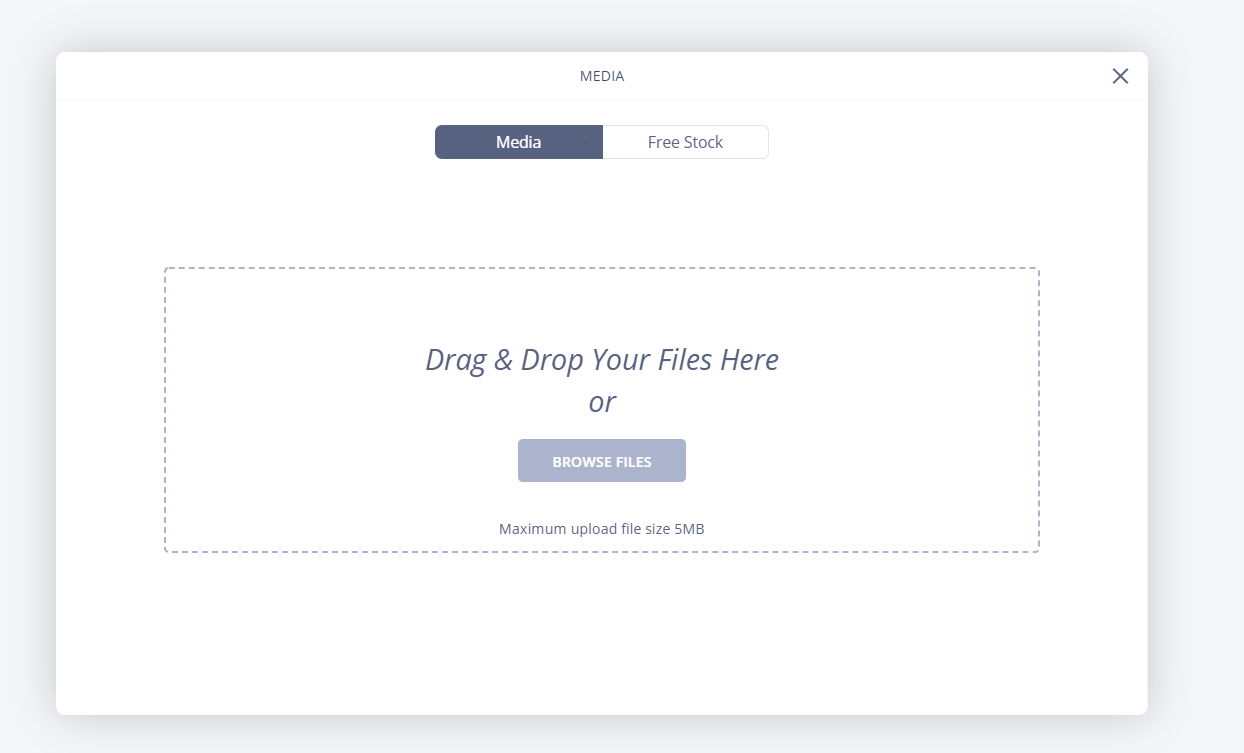 Other solution would involve using an online free repository of images from Unsplash to upload the images that will suit your site's looks the best
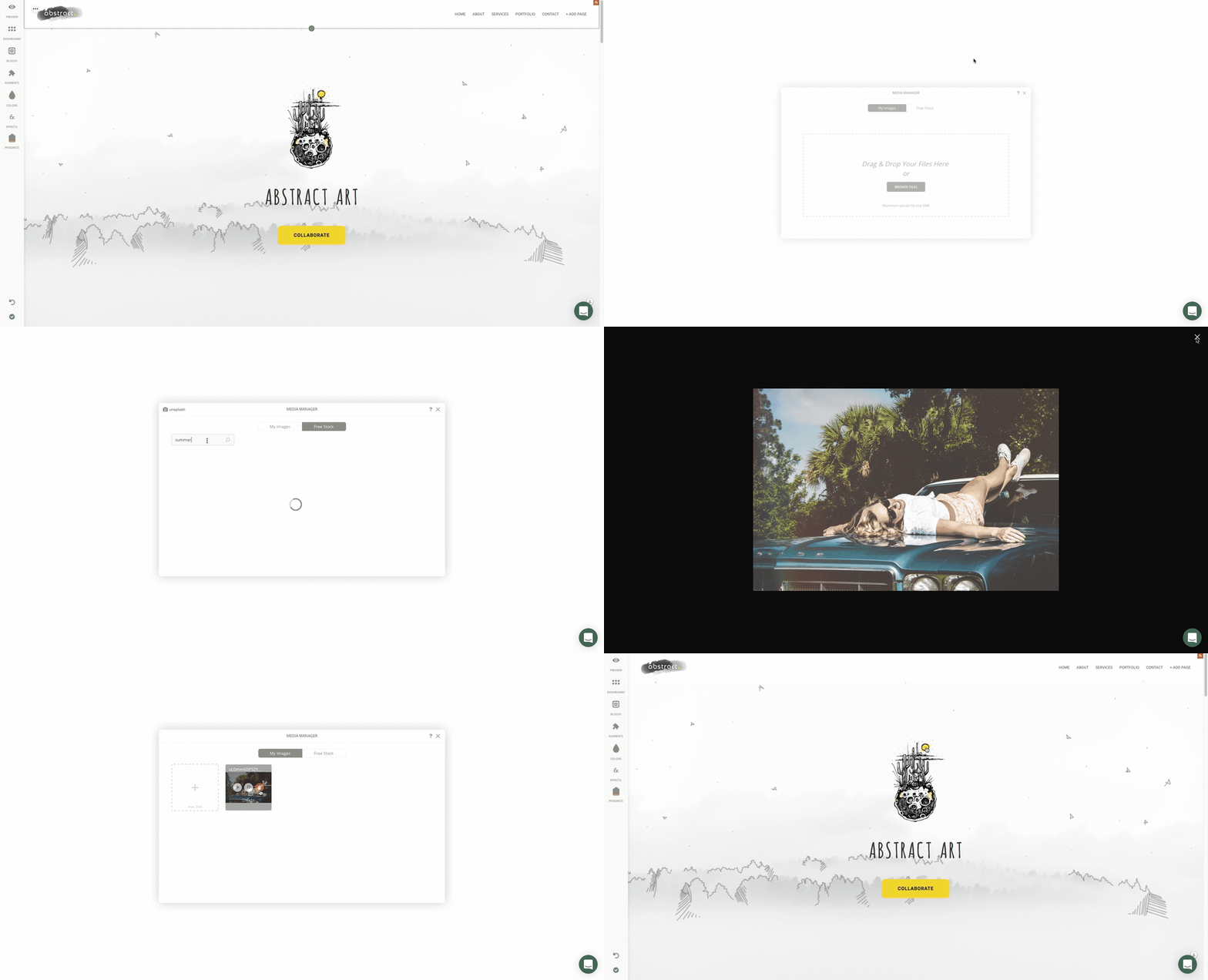
Just "search" for the desired image in the Search Field, "Preview" it and "Add" to 'My Images'.
Have picked the best images out there? Time to add them to your website within a few clicks to enhance its visual impact! Again, nothing more than a simple drag and drop.
Using these images is free!
How did we do?